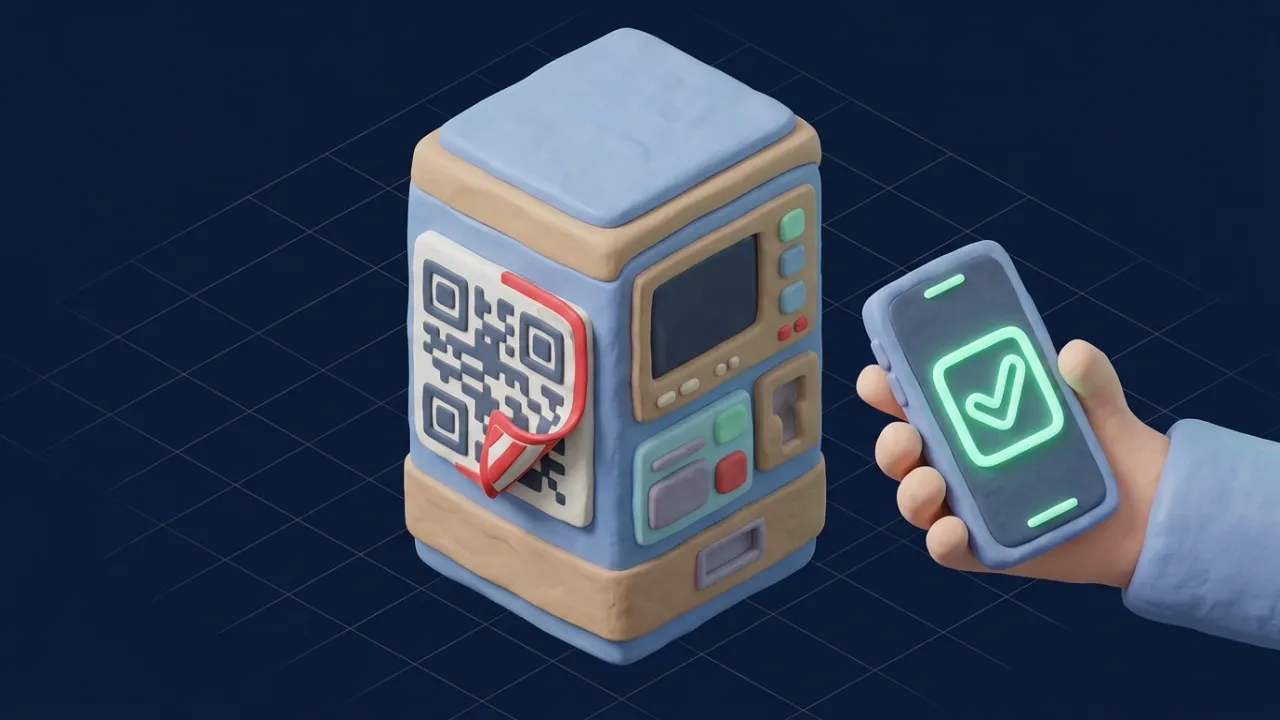
You park, find the meter, and see a sticker: "Scan to pay". It loads a neat payment page, takes your card, and says you are all set. A week later there are charges you never made, and you still got a parking ticket. That is quishing, phishing through a QR code.
Before opening any QR code, read the web address your camera previews. If it is not the company's own domain, or it asks for card details or a login you did not expect, close it. On meters and chargers, look for stickers placed over the original and use the operator's official app instead.
Where fake QR codes turn up
- Parking meters and pay stations, where a sticker covers the real code.
- Electric vehicle chargers, with fake "scan to start charging" labels.
- Emails and letters claiming you must re-verify an account, pay a fee or review a document.
- Parcels and flyers you did not order, often with a "free gift" or "track your delivery" message.
- Restaurant tables and posters, less often, but loose stickers deserve a look.
The FBI warned as early as 2022 that criminals were tampering with QR codes to send people to malicious sites, and the FTC has since warned about QR codes in emails, texts and unsolicited packages.
Why QR codes work so well for scammers
A printed link can be read. A QR code cannot, so you trust the place it sits instead of the address it opens. Codes inside emails also slip past spam filters that check written links, and they move you from your computer to your phone, where the address bar is small and easy to ignore.
How to scan safely
- Look before you tap. Your camera shows a preview of the link. Read the part just before the first single slash.
city-parking.pay-now.topbelongs topay-now.top, not the city. - Feel the code. On meters and chargers, check whether a sticker is stuck on top of another code or the sign.
- Use the official app. If a parking operator or charger network has an app, pay there instead.
- Check unexpected codes. Upload a photo or screenshot to our QR code checker, which shows the hidden link and checks it against phishing lists without opening it on your phone.
- Never log in from a QR code you did not expect, especially one in an email about your bank, email account or a delivery.
Red flags after you scan
- A link shortener or an address unrelated to the business.
- A request to download an app to pay for parking or charging.
- A login page for your email, bank or work account.
- Urgent warnings: fines, account suspension, a parcel that will be returned.
- A payment page that asks for more than card details, such as your date of birth or a one-time code.
If you already entered details
- Card details: call the number on your card, report fraud and ask for a replacement.
- A password: change it now, and anywhere you reused it, then turn on two-step verification.
- An app you installed: uninstall it and check your phone's permissions.
- Report: tell the operator of the meter or charger, report to the FTC or your national fraud center, and warn others here.
If the QR code arrived in an email, read our guide to spotting phishing emails. For a suspicious link from a text message, the link checker traces every redirect.
The code is only as trustworthy as the address it opens.
Frequently asked questions
Can scanning a QR code hack my phone?
Scanning alone rarely does harm. The danger is what the link asks you to do next: enter card details, log in, or install an app. If you only look at the link and close it, you are usually safe.
How do I see where a QR code goes before opening it?
Most phone cameras show a preview of the web address before opening it. Read the domain carefully, or upload a photo of the code to a QR checker that shows the link without visiting it.
Are QR codes on parking meters safe?
Many are real, but criminals stick fake codes over them. Check for a sticker on top of the original, compare with the operator's official app or sign, and prefer paying through the app you already trust.
Why do scammers put QR codes in emails?
Email filters read links in text but often cannot read a link inside an image. A QR code also moves you to your phone, where the full address is harder to see.
What if I already paid through a fake QR code?
Call your card issuer straight away, report the charge as fraud and ask for a new card. Report the location to the parking operator or business so the sticker is removed.
Do I need a QR scanner app?
Usually not; the built-in camera works. Avoid downloading random scanner apps, some of which are full of ads or worse.
Is a QR code on a restaurant table safe?
Usually, if it is printed on the menu or table card. Be careful with codes stuck on loosely, or menus that ask for card details before you order.
How do I report a fake QR code?
Tell the business or council that owns the meter or sign, report it to local police or the FTC (reportfraud.ftc.gov), and warn others with a LegitInformant report.
Sources
- FTC: Scammers hide harmful links in QR codes
- FBI IC3: Cybercriminals tampering with QR codes
- UK Action Fraud: QR code scams
Figures are the latest available from each source at the time of writing. We review guides when official data or rules change. Spotted an error? Tell us.