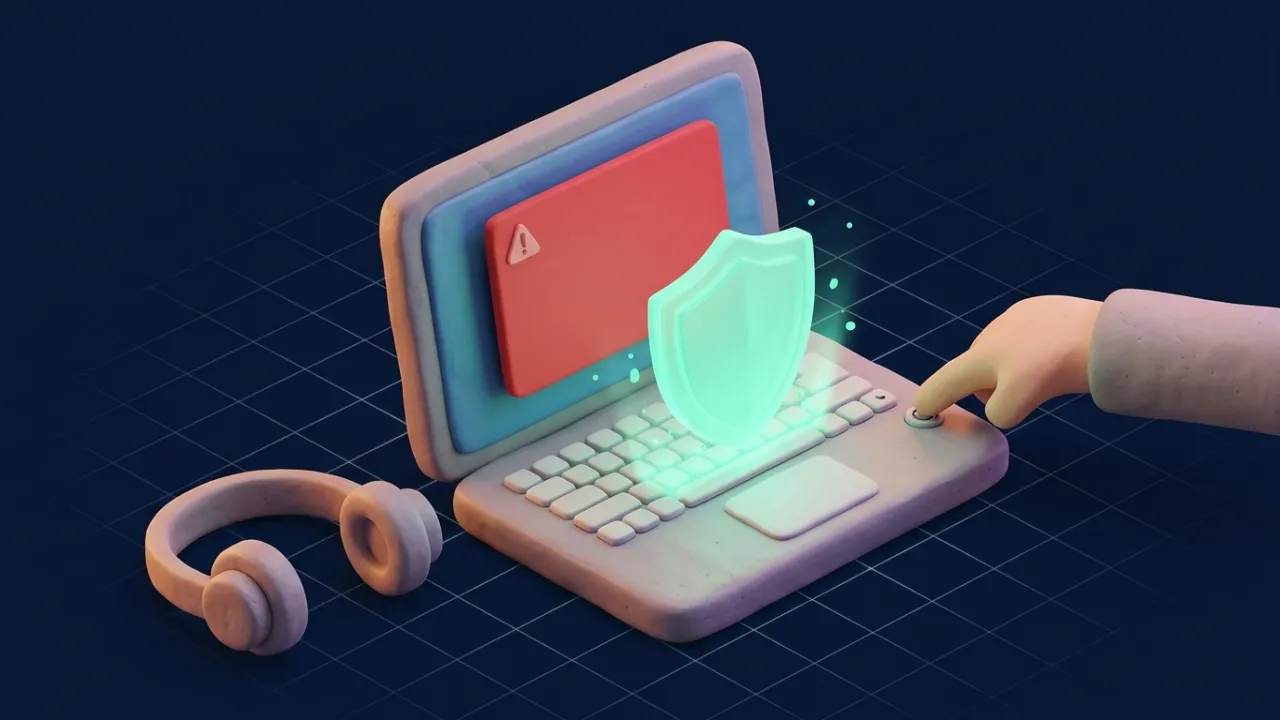
The screen goes red, an alarm sounds, and a box warns that your computer has been locked because of a virus. Call Microsoft Support now, it says, and gives a toll-free number. The warning looks official and the noise makes it hard to think. That is the whole point.
Real security warnings never ask you to call a phone number, and tech companies do not phone you about viruses. Close the browser (force-quit if needed), do not call, and never let a stranger connect to your computer. If you already did, disconnect from the internet and call your bank.
How the scam works
- The hook: a fake pop-up, a search ad for "support", or a cold call claiming your computer is sending errors.
- The access: they ask you to install a remote-access app so they can "fix" it.
- The proof: they show normal system logs and call them infections.
- The payment: a support plan, a "refund" that went wrong, or a request to log in to your bank while they watch.
The FBI's Internet Crime Complaint Center reports that tech support fraud hits people over 60 especially hard, and losses often grow when scammers return months later posing as the same company offering a refund.
The refund trick
A favorite move is the fake refund. They say you are owed money for a cancelled service, ask you to log in to online banking, and then claim they accidentally sent too much. Often they have simply moved your own money between your accounts or edited the page. Then they ask you to send the difference back by gift card, wire or crypto. There was never a refund.
How to get rid of a fake warning
- Don't call the number and don't click anything inside the warning.
- Close the tab or browser. If it refuses, force-quit the browser: Task Manager on Windows (Ctrl+Shift+Esc), Force Quit on Mac (Cmd+Option+Esc).
- Reopen without restoring the previous session, and clear your browsing history if it keeps coming back.
- Run your normal security software if you are worried.
Signs it is a scam
- A phone number inside a warning or error message.
- An unexpected call from "Microsoft", "Apple", "Amazon" or your internet provider.
- Requests to install AnyDesk, TeamViewer or similar apps.
- Payment by gift card, wire, crypto or payment app.
- A request to log in to your bank during the session.
Finding real support
Type the company's address yourself or use its app, then go to the help or contact page. Avoid support numbers from search ads or forums. If you want to check a support link someone sent, use our link checker. To look up the number that called you, use the phone lookup.
If you gave them access or money
- Disconnect the computer from the internet and uninstall the remote-access app.
- Call your bank if you logged in during the session or paid by card, and ask them to block payments.
- Change passwords from a different device, starting with email and banking, and turn on two-step verification.
- Get the computer checked by someone you trust.
- Gift cards? Contact the card brand immediately; see gift card scams.
- Report it to the FTC and IC3, and here.
Real errors don't come with a phone number.
Frequently asked questions
Does Microsoft or Apple call people about viruses?
No. Microsoft and Apple say they do not make unsolicited calls about computer problems, and their real error messages never include a phone number to call.
How do I close a fake virus pop-up?
Do not call the number or click inside it. Close the browser tab; if it will not close, force-quit the browser (Ctrl+Alt+Delete or Task Manager on Windows, Cmd+Option+Esc on Mac) and do not restore the previous session.
I let them connect to my computer. What now?
Disconnect from the internet, uninstall any remote-access app they installed, run a security scan, and change your passwords from a different, clean device. If you logged in to your bank while they were connected, call your bank.
They say they refunded me too much. Should I send it back?
No. The "overpayment" is usually your own money moved between your accounts, or an edited web page. Real companies do not ask you to return refunds by gift card, wire or crypto.
Is the number I found in a search ad for support real?
Not always. Scammers buy ads that look like official support. Go to the company's official website and find the contact page yourself.
Are older people targeted more?
The FBI reports that people over 60 report the highest losses to tech support fraud, but anyone can be targeted.
Can a pop-up infect my computer?
Most fake warnings are just web pages designed to scare you. The damage happens when you call, download software or give remote access.
Where do I report a tech support scam?
Report to the FTC (reportfraud.ftc.gov) and the FBI (ic3.gov), and to Microsoft or Apple through their official scam reporting pages.
Sources
- FTC: How to spot, avoid and report tech support scams
- FBI IC3: Elder Fraud Report
- Microsoft: Protect yourself from tech support scams
- Apple: Recognize and avoid social engineering schemes
Figures are the latest available from each source at the time of writing. We review guides when official data or rules change. Spotted an error? Tell us.